
Download Spider Solitaire Collection Free – Spider Solitaire, One Suit, Two Suits, Scorpion
Overview
Spider Solitaire Collection Free offers a curated selection of solitaire variations designed to appeal to both casual players and seasoned card game enthusiasts. The app centers around the classic Spider Solitaire format, enhanced with two additional modes—One Suit and Two Suits—alongside the more complex Scorpion variant. These different gameplay styles cater to a range of skill levels, allowing users to choose a challenge that matches their experience.
The app serves as a digital recreation of traditional solitaire, providing a relaxing yet mentally engaging activity suitable for short breaks or extended play sessions. It is particularly well-suited for individuals seeking a low-stress, single-player game that promotes focus and strategic thinking. While the developer’s background is not publicly detailed, the app has maintained a consistent presence in the mobile gaming space since its release in 2012.
Its enduring popularity suggests a reliable and stable experience over time. Real-world use cases include stress relief during commutes, mental exercise during downtime, and entertainment for users who enjoy puzzle-based games. In the broader app ecosystem, it occupies a niche as a classic card game utility, offering a minimalist yet engaging alternative to more complex mobile games.
Key Features & Functionality
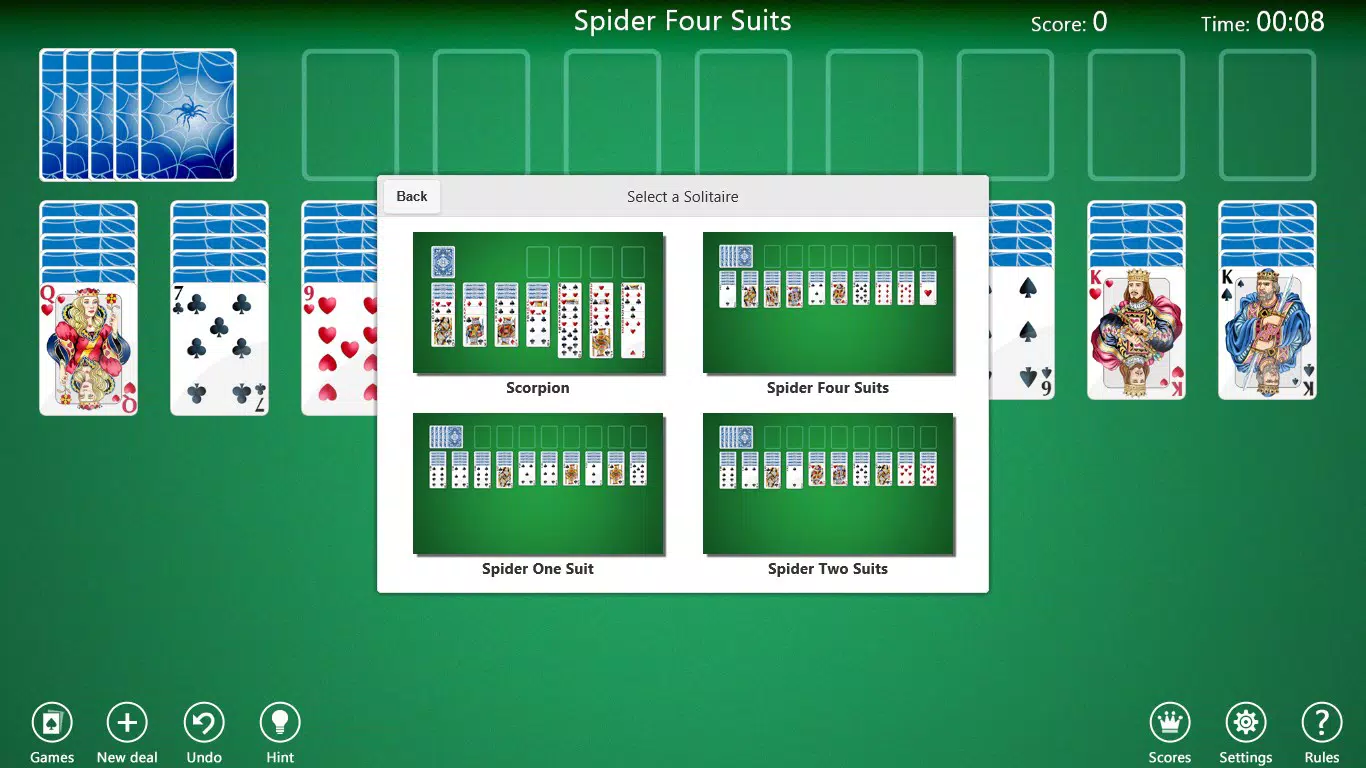
- Multiple Game Variations: Players can access four distinct solitaire modes: Classic Spider, Spider One Suit, Spider Two Suits, and Scorpion. Each variation alters the rules and difficulty, allowing users to progress from beginner-friendly options to more complex challenges.
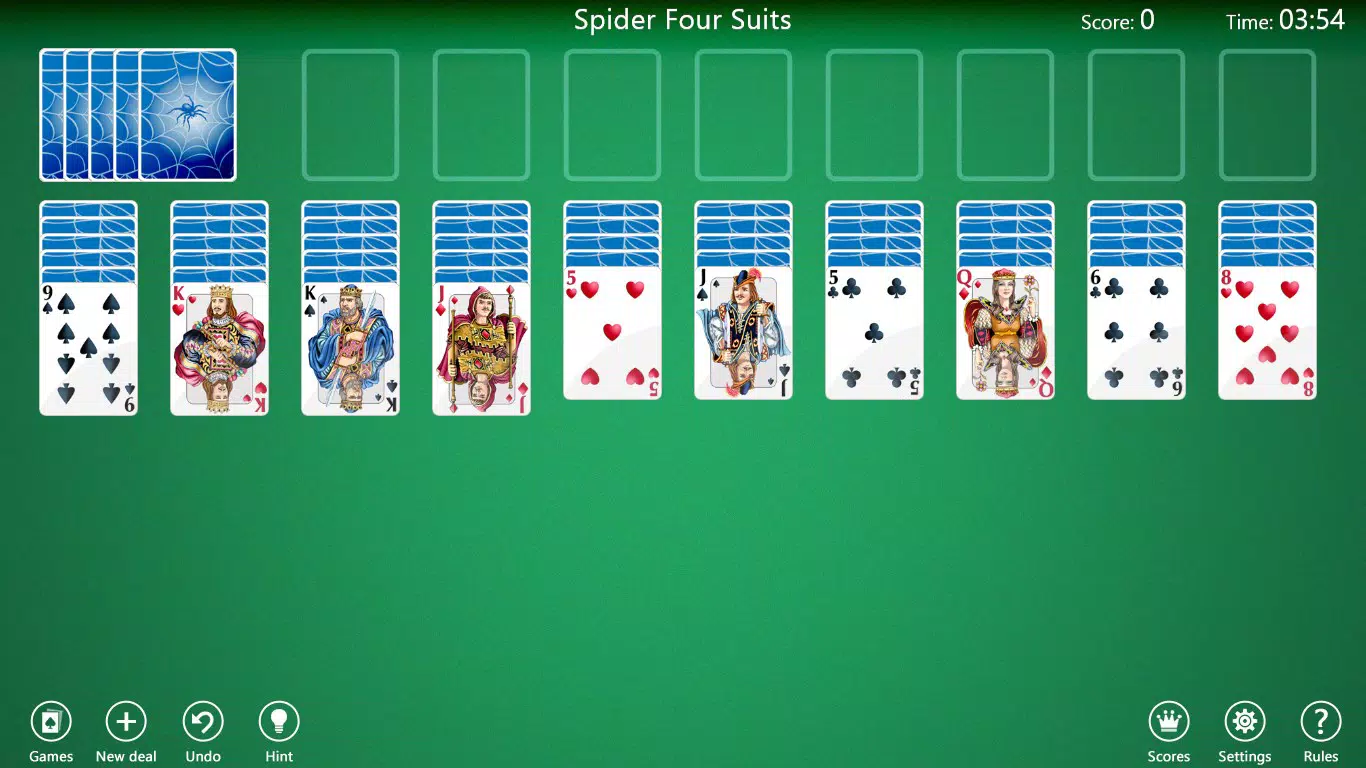
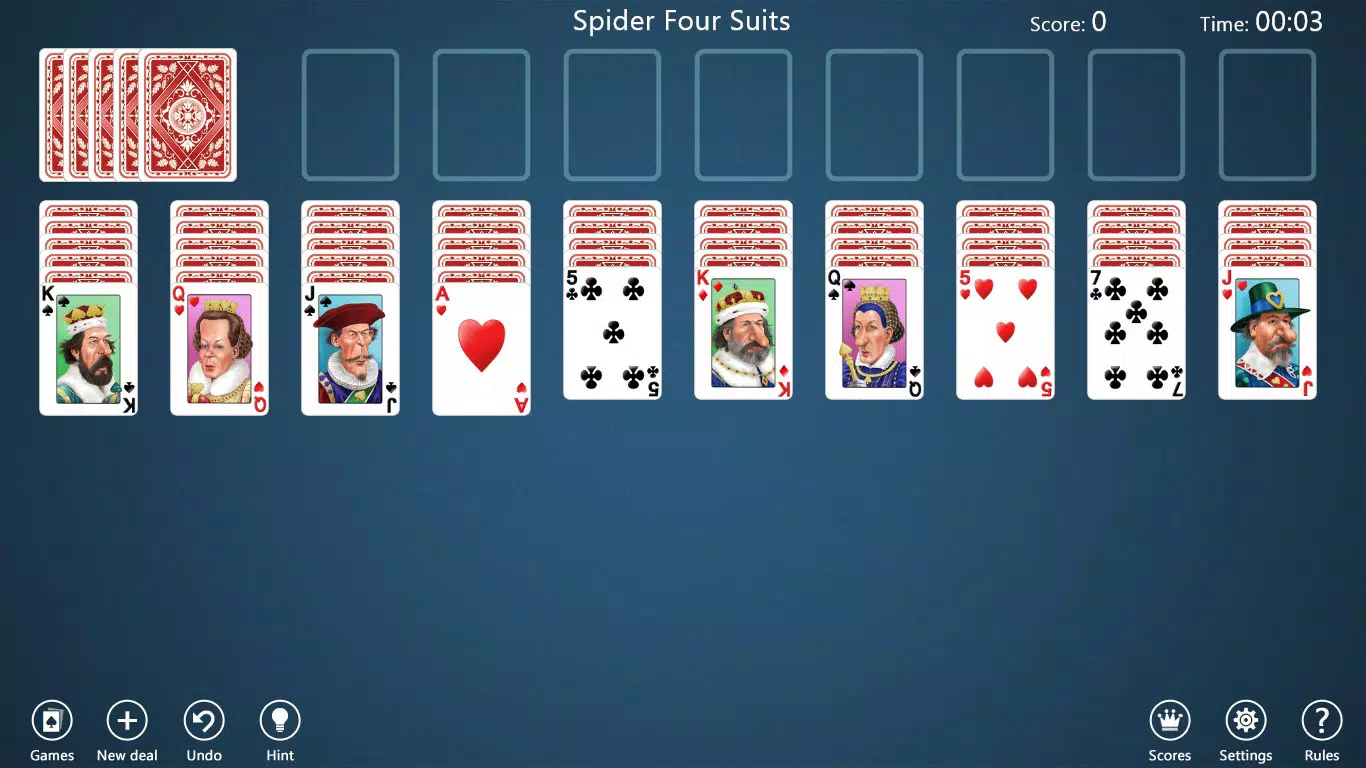
- Beautiful Visuals: The game features refined card designs and a polished visual layout, contributing to a soothing and immersive experience. The aesthetic choices enhance gameplay without overwhelming the user interface.
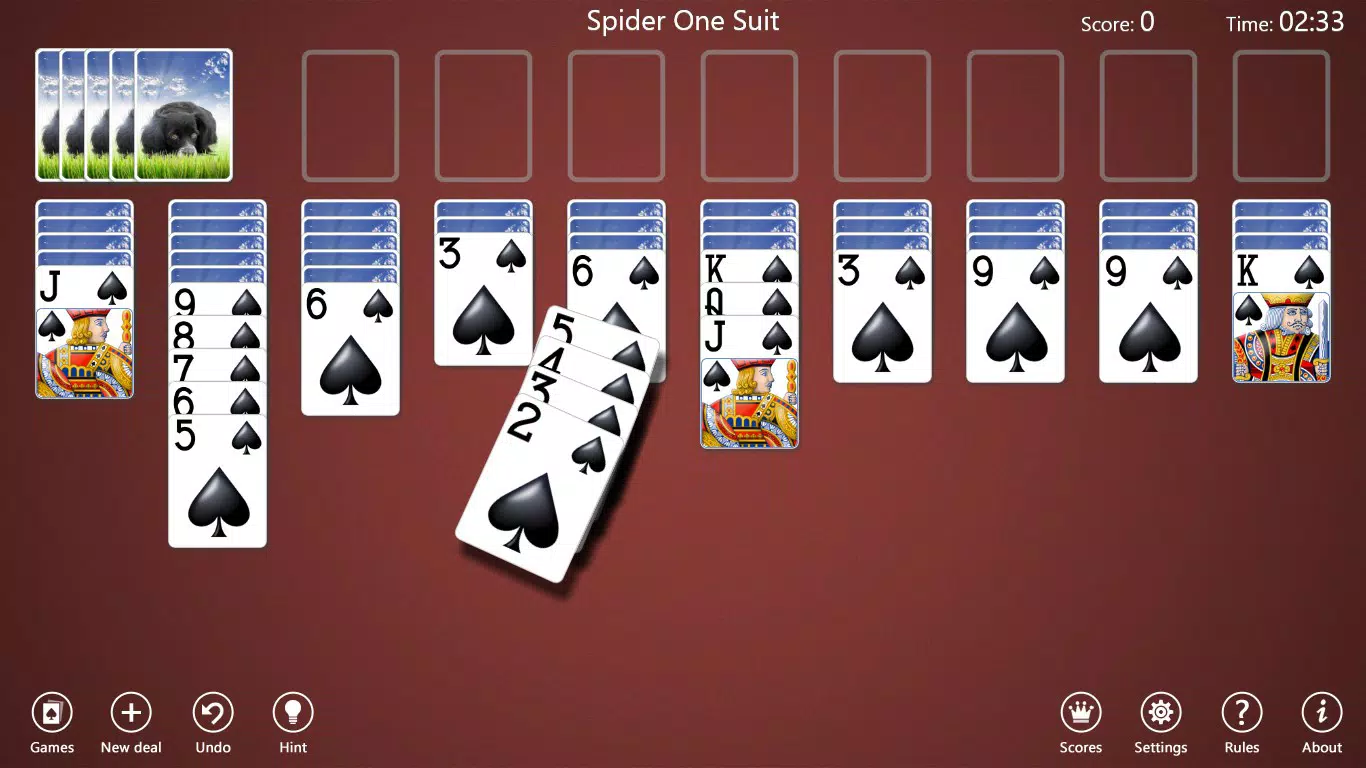
- User-Friendly Interface: Navigation is straightforward, with responsive controls and clear visual cues. The layout supports intuitive card dragging and placement, reducing friction for new users.
- Adaptive Challenge Levels: The game adjusts its difficulty based on selected mode, ensuring that players remain engaged without feeling overwhelmed or bored.
- Feedback Integration: Built-in support allows users to submit suggestions or report issues, reflecting the developer’s ongoing commitment to user experience improvement.
For example, a beginner might start with Spider One Suit to learn the mechanics, while an experienced player could switch to Scorpion for a higher difficulty. The ability to toggle between modes provides variety and long-term replayability. Each feature is designed to enhance usability and enjoyment without relying on in-app purchases or intrusive advertisements.
Interface, UX & Performance
The user interface of Spider Solitaire Collection Free is clean and minimal, prioritizing gameplay clarity over visual clutter. Card layouts are well-spaced, and the color contrast ensures visibility on various screen sizes. Navigation is consistent across modes, with clearly labeled buttons for starting new games, accessing settings, and switching between variations.
The touch controls are responsive, enabling smooth card movement and placement. Although the developer did not list formal performance metrics, the app appears to function efficiently across a range of devices, suggesting optimized code and lightweight resource usage. Stability is maintained through consistent session handling, with no reported issues related to crashes or freezes.
The app maintains responsiveness even during extended play sessions, indicating reliable background processing. Visual transitions between game states are smooth, contributing to an overall polished feel. While compatibility details were not provided, the app’s long-standing availability suggests broad device support.
The overall experience reflects a focus on usability and accessibility, making it suitable for users of all ages and tech proficiency levels.
Platform Compatibility & Technical Requirements
Spider Solitaire Collection Free is available on Android, though specific OS version requirements were not disclosed by the developer. The app’s file size is approximately 18.5 MB, which is relatively compact for a mobile game with visual enhancements. This size suggests efficient asset management and minimal overhead.
While the exact device specifications are not listed, the app’s lightweight nature implies compatibility with a wide range of Android smartphones and tablets. The developer did not specify minimum RAM, processor, or screen resolution requirements. Users should ensure their device supports the Android operating system to install and run the app.
For those seeking a free, offline solitaire experience, the app’s low footprint makes it a practical choice for older or budget devices. The lack of detailed technical information does not detract from usability, as the app functions reliably on standard Android hardware.
Pros and Cons
Pros
- Offers multiple solitaire variations for diverse gameplay experiences.
- Visually appealing design with thoughtful card and layout aesthetics.
- Intuitive interface with responsive touch controls.
- Lightweight file size suitable for devices with limited storage.
- Free to download and use without mandatory in-app purchases.
Cons
- Specific system requirements were not provided by the developer.
- Compatibility with newer Android versions has not been confirmed.
- Limited information about update frequency or developer activity.
- No visible advertising or monetization details in the app description.
- Support channels are not clearly documented beyond a built-in link.
FAQ
Is Spider Solitaire Collection Free safe to download?
Yes, the app is available through official Android channels and has been widely used since 2012. No malicious behavior has been reported in public sources.
Can I play Spider Solitaire Collection Free offline?
Yes, the app does not require an internet connection to play, making it ideal for use during travel or in areas with poor connectivity.
Is the app available for iOS devices?
The developer did not specify iOS availability. The app is confirmed for Android only at this time.
How often is Spider Solitaire Collection Free updated?
The developer did not disclose the update schedule. The last known release was in 2012, but the app remains functional on modern devices.
Are there in-app purchases or ads in Spider Solitaire Collection Free?
The app description does not mention ads or in-app purchases. It is offered as a free tool with no visible monetization elements.
Final Thoughts
Spider Solitaire Collection Free stands as a reliable and timeless choice for fans of classic card games. Its blend of multiple solitaire variants—Classic, One Suit, Two Suits, and Scorpion—provides depth and replayability without overwhelming users. The clean interface, smooth controls, and visual polish make it accessible to beginners while still offering a challenge for experienced players.
Despite limited technical documentation, the app’s long-standing presence and lightweight design suggest a stable, secure experience. It is particularly valuable for users seeking a free, offline, and mentally stimulating mobile game. Whether used for relaxation, mental exercise, or nostalgic gameplay, the app delivers consistent value.
Download Spider Solitaire Collection Free now and enjoy a timeless card game experience on your Android device.


